Overview
Action games have a deep, well-understood structure — move sets, actions, modifiers, cancel windows — but Unity gives you no scaffolding for any of it. Small teams end up rebuilding the same state handling from scratch and running out of time before the game feels good.
Penguin Action Toolkit provides that scaffolding, along with documentation, tutorials and sample content, so a designer can iterate on combat feel instead of on plumbing. The framework is built to stay structured yet flexible, for developers who want to code rather than avoid it — every system is meant to be extended, not just configured.
Core systems
Character Locomotion handles movement — player input, character movement and camera behaviour — through modular motor and animator components that can be swapped independently.
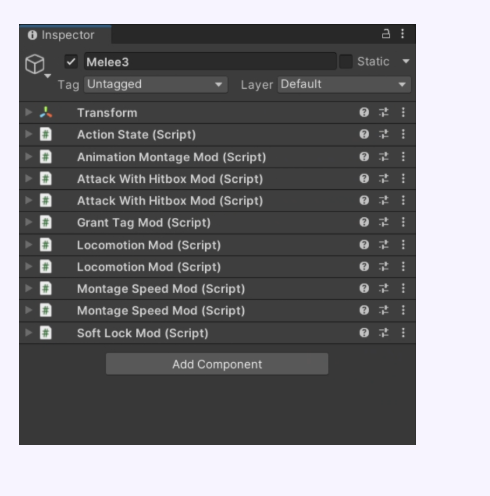
Character Abilities are triggered containers called Action States, defined by State Modifiers that control animations, effects, sounds and locomotion changes, so a designer builds a move by composing modifiers rather than writing a new state machine.
Node graph editor
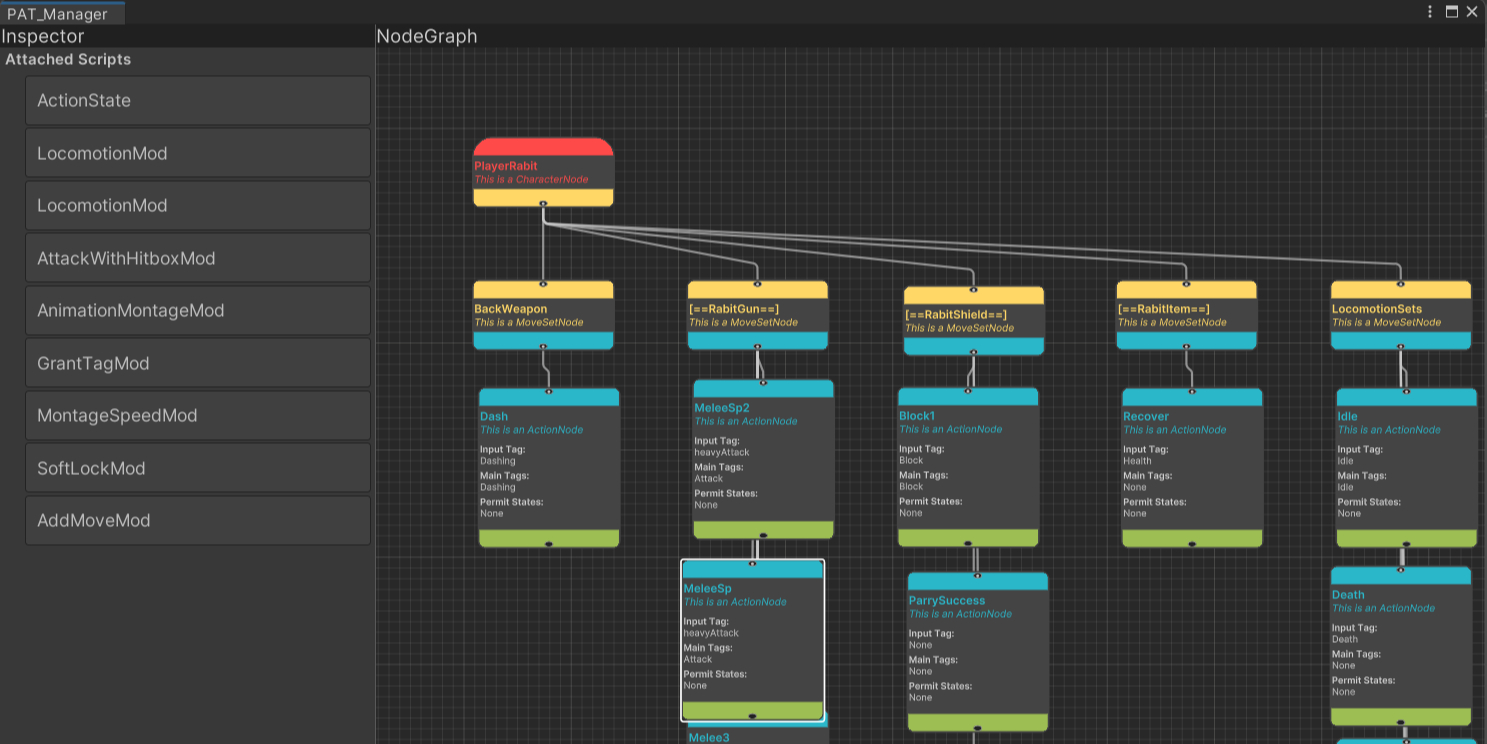
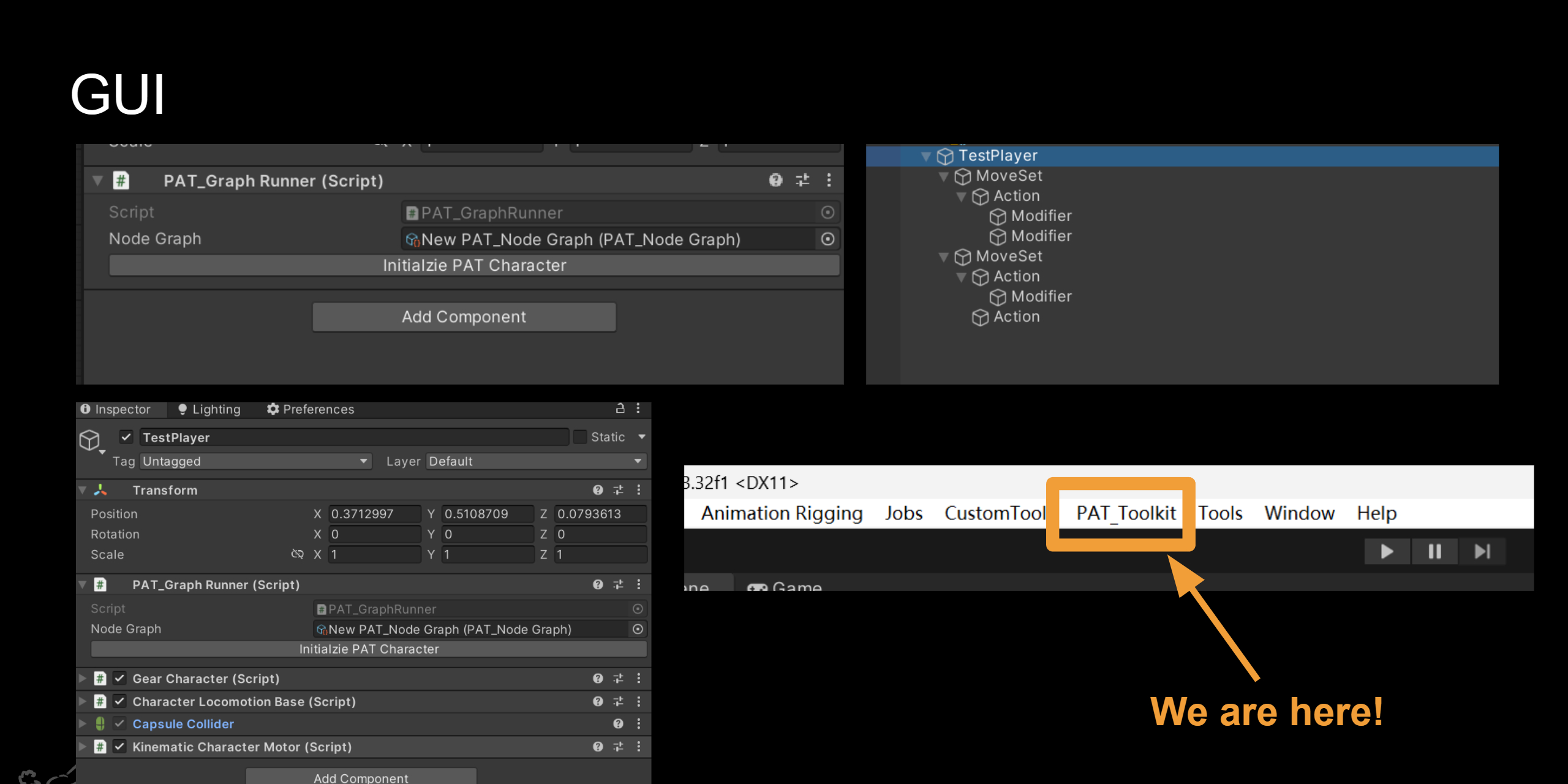
The GUI Node Graph Editor lets a designer build a character's action structure by adding nodes and dragging in scripts, instead of hand-wiring state machines in code. Character, move set, action and modifier nodes are colour-coded so the shape of a behaviour tree is legible at a glance.
My contribution
- Designed and built the node-based GUI editor, modelled on the Unreal Engine Blueprint system, so that designers can author and read character behaviour visually.
- Contributed to the architecture connecting character nodes, move sets, actions and modifiers.
- Created character rigs and animations for the sample content shipped with the package.
Release
The toolkit is published free on the Unity Asset Store for Unity 2022.3 and URP. The team ran a workshop and a game jam around it to test whether developers outside the project could pick it up from the documentation alone.